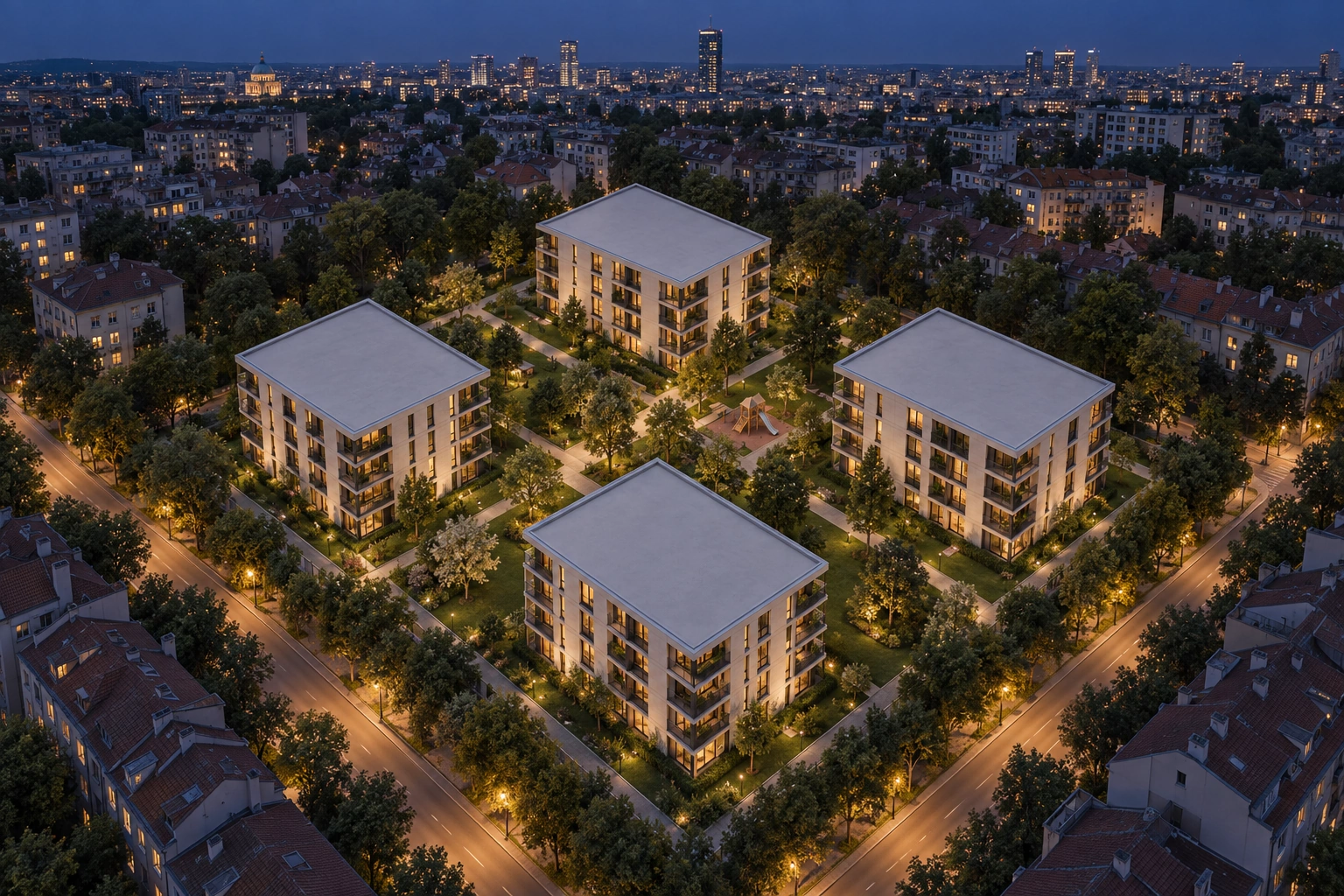
The whole development, in one view.
Pick the building, then the apartment.
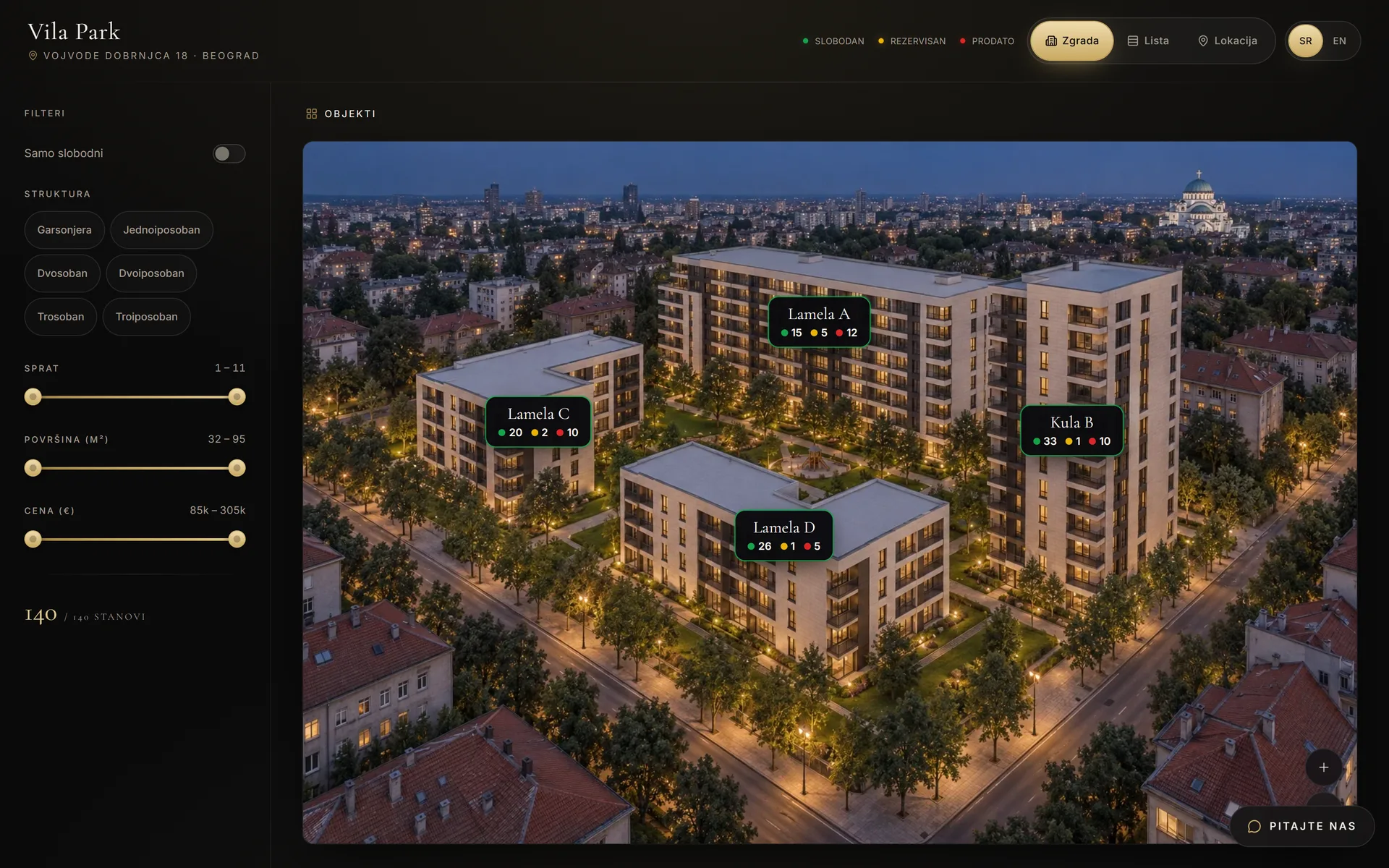
Planorama shows a whole development as one interactive view, for selling apartments across several buildings. The buyer picks a building on the aerial view, then a floor, then an apartment.
An interactive view of the whole development, for projects with several buildings
When a project has several blocks, the list of apartments grows too long. Buyers cannot tell which building an apartment is in. Planorama takes the buyer step by step: building, floor, apartment.
The buyer clicks a building on the aerial view and its facade opens. Then they pick a floor with furnished apartments, then an apartment with its plan, price and status.
Ten buildings work the way one does. Your team keeps the statuses and prices of the whole development in one place.
What you get
Picking a building from above
The buyer sees the whole development from above and clicks a building.
Floor and apartment
After the building the buyer picks a floor, then an apartment. They see the furnished floor, the plan with room areas, the price and the status.
Ten buildings like one
Planorama runs ten buildings the way it runs one. We add every new building or phase when you build it.
Prices and statuses for the whole development
Your team changes the prices and statuses of every building in one place. The buyer sees the change at once.
Filters across the development
Buyers pick rooms, price, floor and area. The matching apartments light up in every building.
Inquiries with the exact apartment
Every inquiry reaches your email with the building, floor and apartment it is about.
You send the material. We do the rest.
One meeting
You give us the plans of the buildings, the aerial picture of the development and the prices.
We set the development up
We link the aerial view to every building, floor and apartment.
You review
Before launch, you check the apartments, prices and statuses.
Launch
We put the development live, on your site or on your domain.
Questions and answers
How many buildings can Planorama run?
Ten buildings work the way one does. The buyer always follows the same path: building, floor, apartment.
What do we need for a development?
Plans of every building, a list of apartments with prices, and an aerial picture of the development. If you have no picture or renders, we draw them from your DWG or PDF plans.
Can I add a new building later?
Yes. Tell us when a new phase or building starts, and we add it to the same project.
How do we manage prices and statuses for every building?
On one screen, for every building. Your team changes them, we do it for you, or your CRM does. A change holds on the building, the floor, the filters and the PDF.
How much does Planorama cost for a development?
We send you a quote after the first conversation, once we know how many buildings you have. Planorama takes no share of any sale.